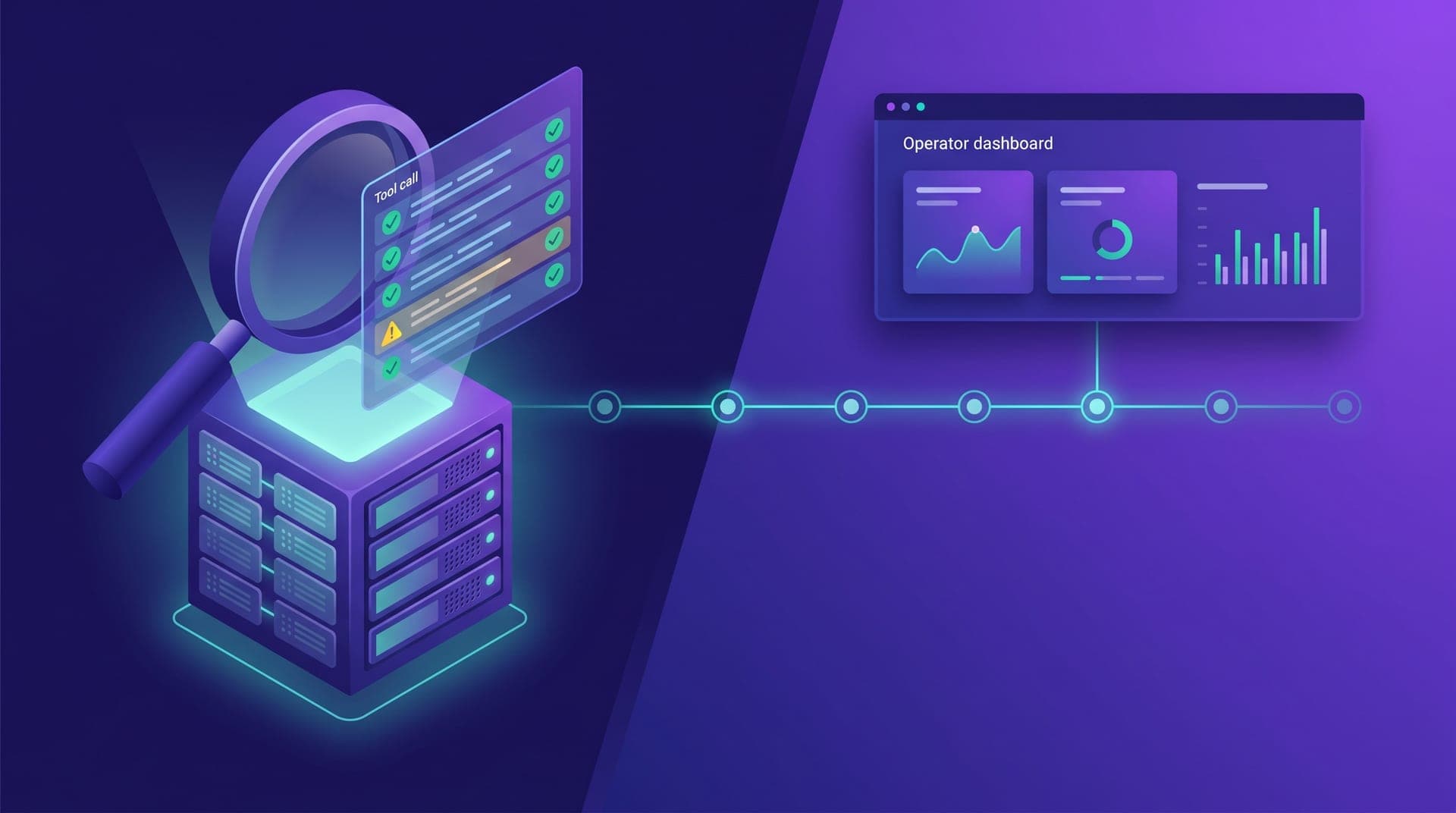
Most operators who connect their agent to Cabgo's MCP finish the initial setup and never go back to check whether the agent's calls are actually correct. Not because they don't care, but because they have no established review ritual. The agent answers questions, generates reports, runs actions — and as long as it responds, the operator assumes it's working well. The problem is that an agent that "works" and an agent that works correctly are two different things: the first one responds, the second responds with the right tools, to the right tenant, without unnecessary retries and without call patterns suggesting it's learning on the fly conventions it should have had preloaded from the skill.
Cabgo's MCP server logs every agent call in the history accessible through `cabgo_my_mcp_usage` — tool activated, timestamp, resolved tenantId, result status, and retry count. That history is the difference between assuming the agent is operating correctly and being able to verify it. This article documents what to review in that history each week, what patterns signal problems before the operator notices them in daily output, and what actions to take when a pattern drifts from expected. The full review takes no more than 10 minutes — but it turns the agent from a tool used on faith into one used with evidence.
What the MCP server records on every agent call
The MCP usage log is not an error log — it's a record of every interaction, successful or not. Each entry has five fields that matter for the weekly audit: the tool called (`tool_name`), the exact timestamp, the tenantId the agent resolved for that call (either the default or one specified explicitly in the prompt), the result status (`success`, `tier4_confirmation`, `rejected`, `timeout`), and the number of retries before the call resolved. Most operators have never seen this log because the agent doesn't surface it by default — you have to ask for it explicitly with a prompt pointing at `cabgo_my_mcp_usage`. What appears in those entries in 10 minutes reveals more about how the agent operates than weeks of normal conversation.
The most informative field for spotting problems is `retry_count`. A value of zero means the agent called the tool once and got the expected result on the first try — the ideal flow. A value of one can be normal under variable-latency connections. Two or more retries on the same call, especially for destructive tools like configuration updates or pricing changes, almost always indicates that the agent received a Tier-4 confirmation card and interpreted it as a retryable transient error — behavior that occurs when the skill isn't loaded or isn't activating.
Five alert patterns that appear before the operator notices a problem
Agent configuration issues don't appear suddenly — they show up as patterns in the call history before the operator notices anything wrong in daily output. There are five patterns worth looking for in every weekly review:
- Frequent calls to `cabgo_about` before other tools: the agent is doing catalog discovery every session because it doesn't have the skill context preloaded. In operations where the skill is correctly installed, `cabgo_about` should only appear in a new operator's first session, not week after week.
- tenantId resolved as 'default' in more than 50% of calls when the operation has multiple active apps: in a correct multi-tenant flow, calls should be distributed across tenants based on the operator's work. A high concentration on the default may indicate prompts aren't specifying the secondary tenant when the task requires it.
- Status `tier4_confirmation` followed by `timeout` without `success`: the agent received the confirmation card for a destructive tool and didn't complete the flow within the five-minute TTL. Indicates the operator closed the conversation before confirming, or the agent retried the call instead of presenting the card for approval.
- `cabgo_list_builds` appearing in daily operational status contexts: this tool returns the deploy history, not real-time operation status. Its presence in those contexts means the agent confused two tools with similar names but different purposes — a confusion the skill resolves with its tool-selection table.
- Calls at hours when the operator isn't using the agent: if the history shows activity at 2am or on days the operator didn't open their client, it may indicate an external integration using the same token, or an undocumented automated script. Worth investigating before it becomes a cost or security issue.
How to request the history with a prompt that delivers actionable output
The `cabgo_my_mcp_usage` history isn't a dashboard screen — it's an MCP server tool the agent calls when the operator asks for it. The default output includes the last 50 calls, which in an active operation covers roughly 3 to 5 days. For a complete weekly review, the prompt must specify the time range and expected format; otherwise the agent produces a free narrative that's hard to compare week to week. The audit prompt should be saved in the operator's prompt library alongside the five daily work prompts — it's the sixth one that completes the operational cycle.
What a clean history confirms and what a noisy one reveals
A clean weekly history has three characteristics: the vast majority of calls have `success` status on the first try, the tools called match the types of tasks the operator typically performs (reports with read tools, actions with write tools), and the tenantIds reflect the actual work pattern. When all three indicators align, the agent is working within the skill's conventions — no urgent adjustments needed. A clean history requires no action: it simply confirms the current configuration is holding up under the week's work without wear.
A noisy history — elevated retries, discovery tools before every action, `rejected` status on calls the operator believed executed successfully — reveals one of two problems: agent configuration or prompt drift. Configuration involves the skill and the token; prompt drift happens when the operator starts modifying saved templates without preserving the specificity that makes them work. The history distinguishes the two cases because configuration problems produce systematic patterns — the same error on different calls — while prompt drift produces specific errors that appear only on certain tools or certain tenants. Knowing which one you're dealing with before acting avoids fixing what isn't broken.
The weekly review: five questions that cover the operation in ten minutes
A productive review doesn't require reading every log entry — it requires asking five concrete questions about the output of `cabgo_my_mcp_usage`. If the answers fall within the expected range, the agent operation is healthy. If one drifts, it points exactly where to look without needing an exhaustive audit:
- Is the average retry count per call below 0.5 this week? A higher average means the agent is retrying instead of completing flows on the first attempt — the most common cause is an unrecognized Tier-4 confirmation card due to a missing skill.
- Do calls to destructive tools show `success` or `tier4_confirmation` status — not `rejected` or `timeout`? A `timeout` or `rejected` on these tools means the confirmation flow didn't complete within the five-minute TTL.
- Does the tenantId distribution across calls reflect how the operator actually uses their apps? If they have taxi and delivery active and 90% or more of calls always go to the same tenant, secondary prompts probably aren't specifying the right tenant when the task requires it.
- Is there any tool with a call volume significantly higher than expected for the week? A spike on a specific tool may indicate an agent loop or an undocumented external automation with access to the token.
- Is the total call volume for the week consistent with the operator's actual usage frequency? A large discrepancy — more than double the typical volume or activity at unusual hours — warrants investigation before it becomes a cost issue.
Configuration issues vs platform bugs: how to tell them apart and what to do about each
There's an important distinction between a pattern that indicates a configuration issue — which the operator can resolve independently — and one that indicates unexpected MCP server behavior, which requires technical support. The practical rule: if the history shows correct agent calls followed by unexpected server responses or undocumented errors, it's a platform issue. If the history shows incorrect calls — wrong tool, missing tenantId, retries on Tier-4 — it's an agent configuration problem. Configuration problems are more common and have direct solutions: skill not installed (install it), skill installed but not activating (verify the directory is correct and the file is named exactly SKILL.md), prompts missing tenantId in multi-tenant operations (add the field), systematic confusion between read and write tools (review the skill's tool-selection table).
Platform bugs — responses with unexpected format, catalog tools returning undocumented errors, tokens expiring before the declared TTL, valid tenantIds the server doesn't recognize — are reported as issues in the skill repository or directly to the Cabgo team. The relevant extract from the `cabgo_my_mcp_usage` history is the most useful evidence for that report: it shows exactly what the agent called, when, with what tenantId, and what response it received. A report without that extract forces the team to reproduce the issue from scratch; one with the extract enables pinpointing the source in minutes.
The first week I reviewed the history, I saw the agent had retried the confirmation card three times before I closed the conversation. That told me the skill wasn't loaded correctly — it was treating Tier-4 as a server error. Ten minutes of review gave me more clarity than two weeks of trial-and-error prompts.
The agent connected to Cabgo's MCP isn't invisible to someone who knows where to look. The `cabgo_my_mcp_usage` log records every tool decision, every resolved tenantId, every retry, every pending confirmation. That makes the 10-minute weekly review the only quality check that runs at a deeper level than prompts: it doesn't just verify that the agent responded, it verifies that it responded correctly — with the right tools, without patterns indicating key conventions are being dropped during daily execution.
The complete arc of a well-configured agent-powered operation has three layers: connect the MCP with the skill installed, define the daily work prompts, and audit the history each week to confirm all three layers stay aligned. Most operators have the first two. The weekly review is the third layer — the one that turns the agent from a tool used on faith into one used with evidence. Ten minutes on Monday morning is the cost of that difference.