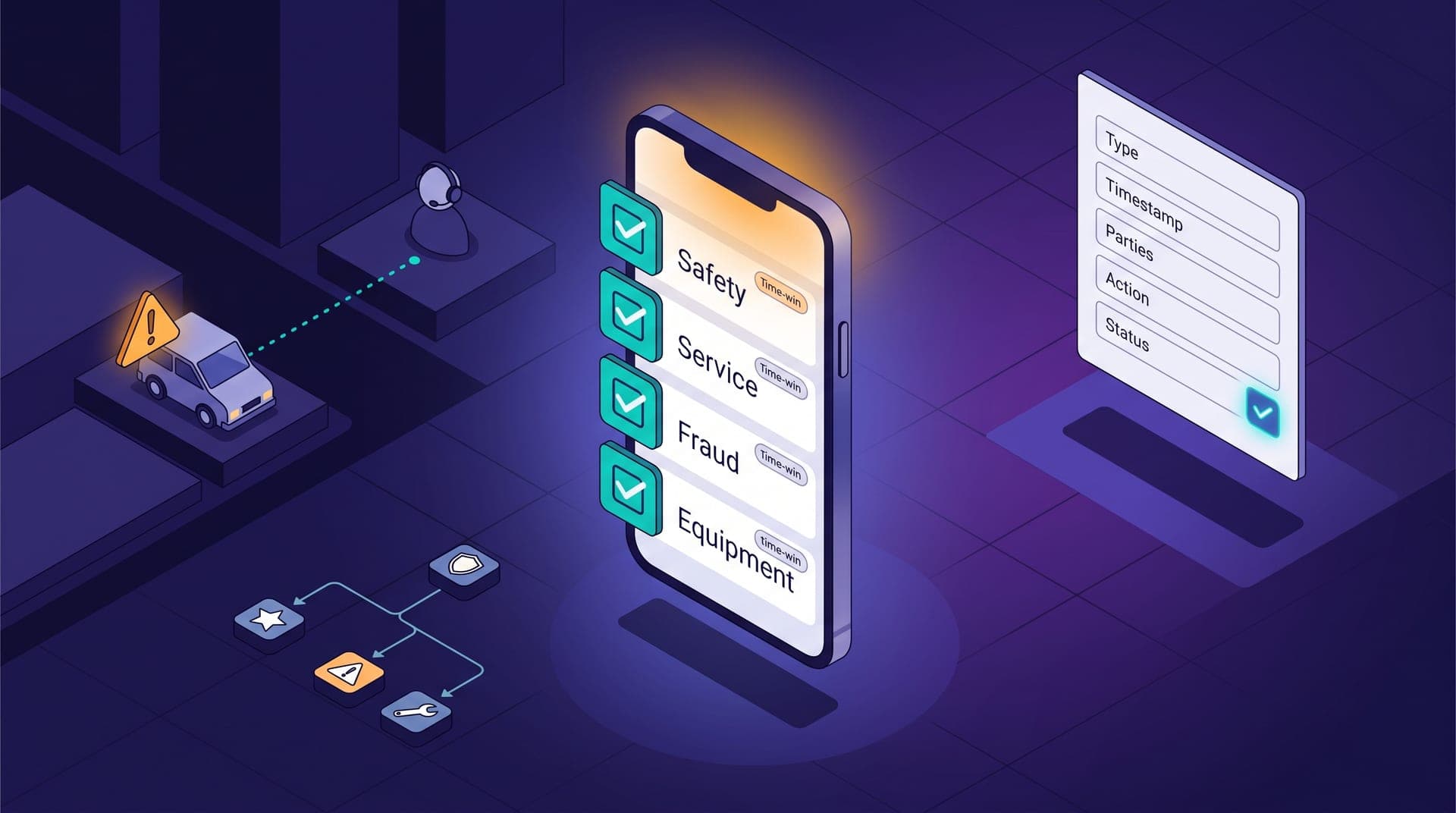
Cabgo's operator panel covers 80% of what most operations need to monitor daily. The remaining 20% varies by operation: the cancellation breakdown by zone from the past hour the shift coordinator wants on a secondary screen, the projected pay table per driver the admin team needs before the weekly close, the zone coverage indicator by hour the business owner wants on their phone without opening the full panel. That 20% exists in every operation, always varies, and has always required hiring someone to build it. An AI agent connected to Cabgo's public API collapses that timeline from weeks to hours — not by automating decisions, but by converting natural-language instructions into executable code.
This article is for the technical operator or integrator who already knows Cabgo's API and wants to understand how to pair it with an agent to build a custom view in a real working afternoon. It doesn't assume prior dashboard-building experience, but it does assume the reader has worked with REST APIs and understands the difference between an authenticated and unauthenticated request. The concrete deliverable by the end of the afternoon is a working HTML page, a JSON feed, or an updateable spreadsheet — the format depends on who it serves — that shows operational data the standard panel doesn't aggregate the same way.
What the API exposes that the panel doesn't surface the same way
Cabgo's public API returns the same data the panel displays, but without the groupings, filters, and time windows the panel applies by design. That has a direct implication for integrators: all the data is available, but the shape it arrives in is the caller's choice, not the product's. A query to the trips endpoint with the right parameters returns the last six hours of trips by zone, by driver, with trip status and passenger response time — the panel doesn't have that view in that format. A driver availability query at 15-minute intervals lets you reconstruct the shift's coverage curve as a table that doesn't exist in any predefined platform report.
Cabgo's panel is optimized for the most common use case across all operations; the API is optimized for those who build. The distinction matters because many operators assume that if the panel doesn't show something, the API doesn't have it either. In practice, the panel is a presentation layer on top of the same publicly available API: what it displays is a curated subset of what the API exposes. An integrator who understands that distinction has access to more data than the standard product presents, and the agent is the partner that converts that data into the specific view the operation needs.
The agent as a development partner: what it replaces in the build cycle
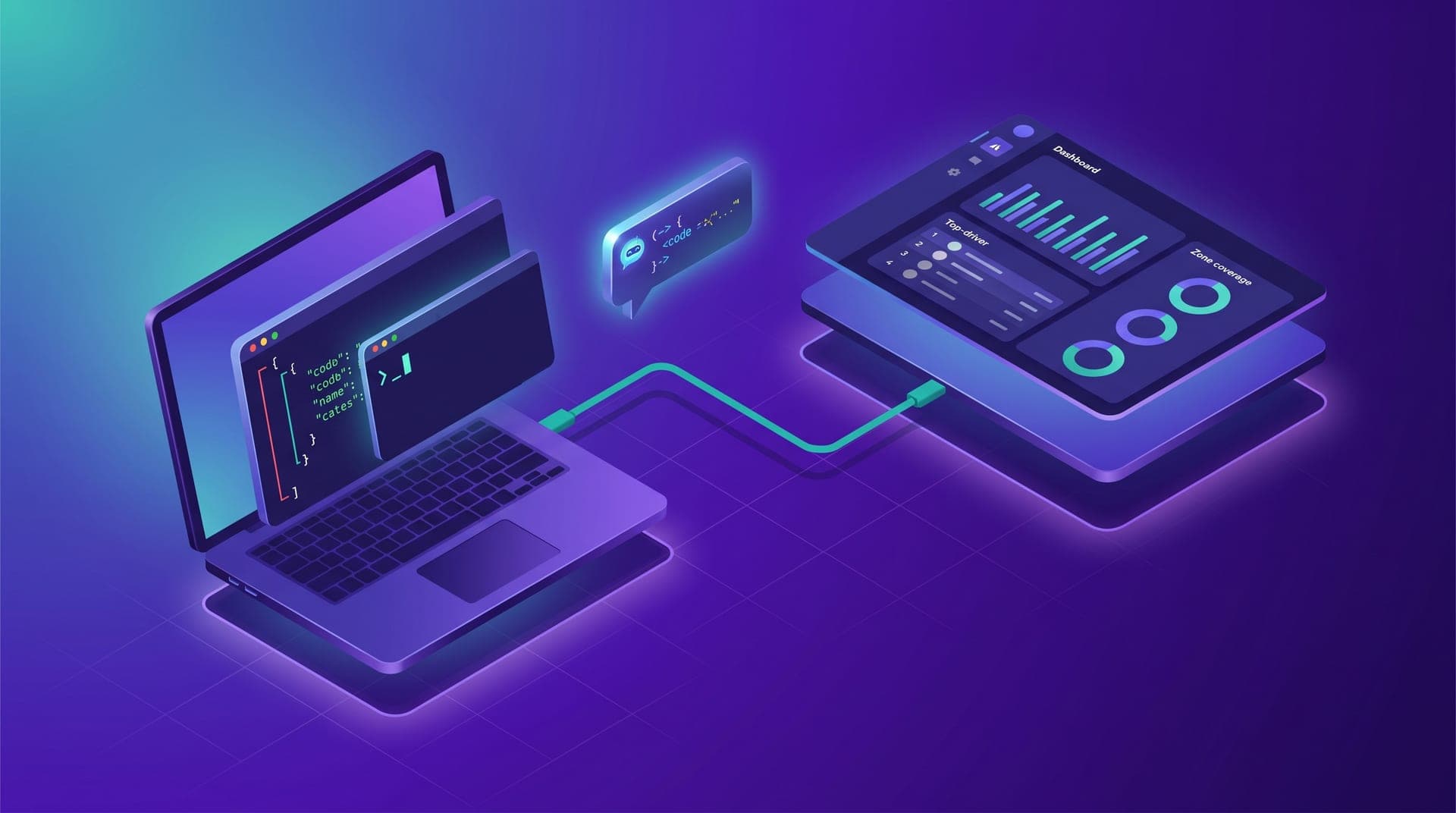
In a traditional development process, building an internal dashboard on an external API involves four sequential blocks of work: exploring the documentation to understand which endpoints exist and what each returns, writing requests and handling authentication, transforming the JSON into the shape the frontend expects, and building the interface. With an agent, those four blocks collapse into a shorter sequence because the agent can execute the first two directly — making real API calls with the operation's actual data — and assist with the remaining two using code generated from real output, not hypothetical examples.
The practical difference is that the agent works with the operation's real data from the first prompt — not mocks or sandbox examples. When the operator describes what they want to see — 'the ten drivers with the most cancellations in the past week, with the cancellation rate and the average time between assignment and trip start' — the agent queries the real endpoint, returns real data, and has the context to generate the code that turns it into an HTML table. The description-code-validation cycle with real data takes 15 to 30 minutes per view, compared to several days in a development process without an agent.
Output format first: decide before writing the first query
Before making the first API request, it pays to define what format the final output will live in. The choice isn't technical — it's about audience. Three formats cover 90% of the custom use cases operators describe:
- **HTML page with periodic refresh**: the option with the most design control, suited for internal monitoring screens the coordinator opens in the browser at shift start. The agent generates the complete HTML with embedded data and optionally an auto-refresh script to update the page on defined intervals without manual intervention.
- **Structured JSON feed**: useful when the output feeds another system — an internal BI tool, a webhook, or a Notion page with a database integration. The agent generates the script that makes requests to Cabgo's API and writes the JSON in the format the destination system expects, with the necessary field transformations.
- **Updateable spreadsheet**: the option with the lowest learning curve for the end user, compatible with Google Sheets via Apps Script or Excel via Power Query. The agent generates the import script that calls the API with the operator's credentials and updates the sheet on the schedule the team defines.
The first 90 minutes: from credentials to a real data response
The first block of work is validating that authentication works and that the first query returns data from the correct operation. If the integrator is working with Cabgo's MCP agent active, that validation is immediate: the agent makes the first authenticated request with the operator's token and the result already belongs to the correct tenant. If working in direct API mode without the MCP agent, the first step is constructing the request with the token in the authorization header and verifying that the response includes data from the expected tenant — not the token default when more than one tenant is active on the account.
Once the first request works, the second step is building the query that extracts the specific data the dashboard needs. This is where the agent is most useful: the integrator describes in natural language what they want to see — 'give me the ten drivers with the most cancellations in the past week, with the cancellation rate and the average time between assignment and trip start' — and the agent generates the correct endpoint with the filter parameters, the code to transform the response into the necessary structure, and identifies cases where the data needs to be joined from two separate endpoints. The key advantage of that cycle is that the generated code starts from real data, not a hypothetical response from the documentation.
The next 90 minutes: from API output to a readable view
The second block of work is converting the API's JSON into something the end user can read without reading JSON. For an HTML page, the agent generates the template with embedded data or the fetch script that loads it dynamically. The style can be described in natural language — 'a clean table with a dark background, no borders, white text, rows alternating in dark gray' — and the agent generates the corresponding CSS. The result won't be polished product design, but it will be a functional view the shift coordinator recognizes as their operation's data in the order and format useful for a quick decision.
At this point it's worth spending ten minutes testing the view with edge-case data before calling it done: what happens if a driver has zero trips in the period, if a zone had no activity, if the API returns an empty array instead of the expected object. The agent can generate test cases and the code that handles them if the integrator describes them explicitly — that step doesn't happen automatically. Custom dashboards almost always fail in production for the same reasons: missing fields in the response, inconsistent date formats between endpoints, and pagination the first-afternoon code doesn't handle because the test period's data never exceeded the first page limit.
What breaks in production and how to anticipate it before it happens
Three problems appear more frequently than any other when a custom dashboard reaches daily use. The first is authentication: API tokens have a limited validity period, and the dashboard that works on launch day stops working weeks later when the token expires. The fix is straightforward — an automatic token renewal mechanism or an alert that notifies the team when expiry is approaching — and the agent generates it if the integrator requests it before ending the build session. The second is rate limiting: when the dashboard makes requests every five minutes and the coordinator has it open on multiple screens, the number of requests per hour can exceed the limit the API allows per token. Adding local caching to the script — storing the last response and not querying again until N minutes have passed — is also something the agent generates in one additional instruction.
The third is schema changes: if the platform updates the format of a field in the API response, code that assumes the old name stops working without an obvious error — sometimes producing silence, sometimes an undefined where a number should appear. That risk is lower in APIs with explicit versioning, but it's worth documenting inside the code which fields are used and from which endpoint, so that when unexpected behavior appears, diagnosis takes minutes rather than hours. The agent can generate that inline documentation as script comments if the integrator requests it at the end: it adds no time to the build afternoon and reduces maintenance cost in the following weeks.
What surprised me wasn't that the agent generated the code — I expected that. What I didn't expect was that it would debug it against my operation's real data in the same session. It flagged that the trips endpoint paginated in groups of fifty and my first version only showed the first page. I fixed it in ten minutes.
A custom dashboard on Cabgo's API doesn't require a development sprint — it requires an afternoon with a well-configured agent and an output format defined before starting. The part the agent doesn't replace is the most important one: deciding which view the team is missing and how much operational damage comes from not having it. That diagnosis always comes from the operator who knows their shift, not the integrator who knows the API. When both pieces come together — the operator who knows what they need to see and the integrator who knows how to ask the API for it — the agent turns that conversation into executable code in the same time it previously took to write the requirements brief.
The dashboard that comes out of that afternoon won't be perfect: it'll be missing edge cases daily use will surface, a field will be renamed with the next API update, the script will need a minor adjustment at some point. That's normal and doesn't change the underlying equation. What changes is the starting point: instead of waiting weeks for the development team to have capacity, the operator has a working view in production the next day. From there, every improvement cycle is faster because the agent can iterate on existing code against the real data daily use has generated since the dashboard first went live.