A driver accepts a trip, heads to the pickup point and halfway there the app freezes. The map stops moving, the passenger sees the car stuck on a corner and starts messaging anxiously. Five minutes later the driver discovers they've run out of data, or that the phone switched off GPS to save battery. The trip is cancelled and nobody quite knows what happened.
The thesis of this article is that a good share of failures blamed on "the app" actually come from the driver's phone: signal, data, battery, location permissions or an old version. They're small problems, easy to prevent and very costly when they happen in the middle of the street. We'll look at the most common ones, how to prevent them and what to do when they happen anyway.
The symptoms that repeat most
When you review driver and passenger reports, the same symptoms appear again and again. Knowing them helps tell a phone problem from a real system problem:
- The car appears stopped on the map even though it's moving.
- The driver stops receiving trips without having gone offline.
- The location jumps from place to place or appears off the street.
- The app closes by itself in the background.
- The phone switches off mid-shift.
- New trip notifications arrive late or not at all.
Almost all these symptoms have a cause in the phone: lack of signal or data, aggressive battery saving, incomplete location permissions or an app version that hasn't been updated. Before raising a technical report, it's worth checking those four things with the driver, because they solve most cases in minutes.
Signal and data: the basics
A driver app needs a constant connection to receive trips, send its location and update the trip status. It doesn't use as much data as video, but it does need data to be available all the time. A plan that runs out mid-month, or one that slows down after a certain amount, is one of the most common causes of lost trips.
It's worth the fleet recommending its drivers a plan with enough data for the month and explaining how to check how much is left. It also helps to know the areas of the city with poor signal: underground car parks, streets between tall buildings or the edges of the city. If a driver waits for trips in one of those places, they probably won't arrive.
Another detail few people check is the phone's free storage. A device with almost full memory becomes slow, closes apps without warning and sometimes can't install updates. Deleting old videos or moving photos elsewhere now and then makes the driver app work much better, and it's something anyone can do in five minutes at the rank.
Battery and power saving
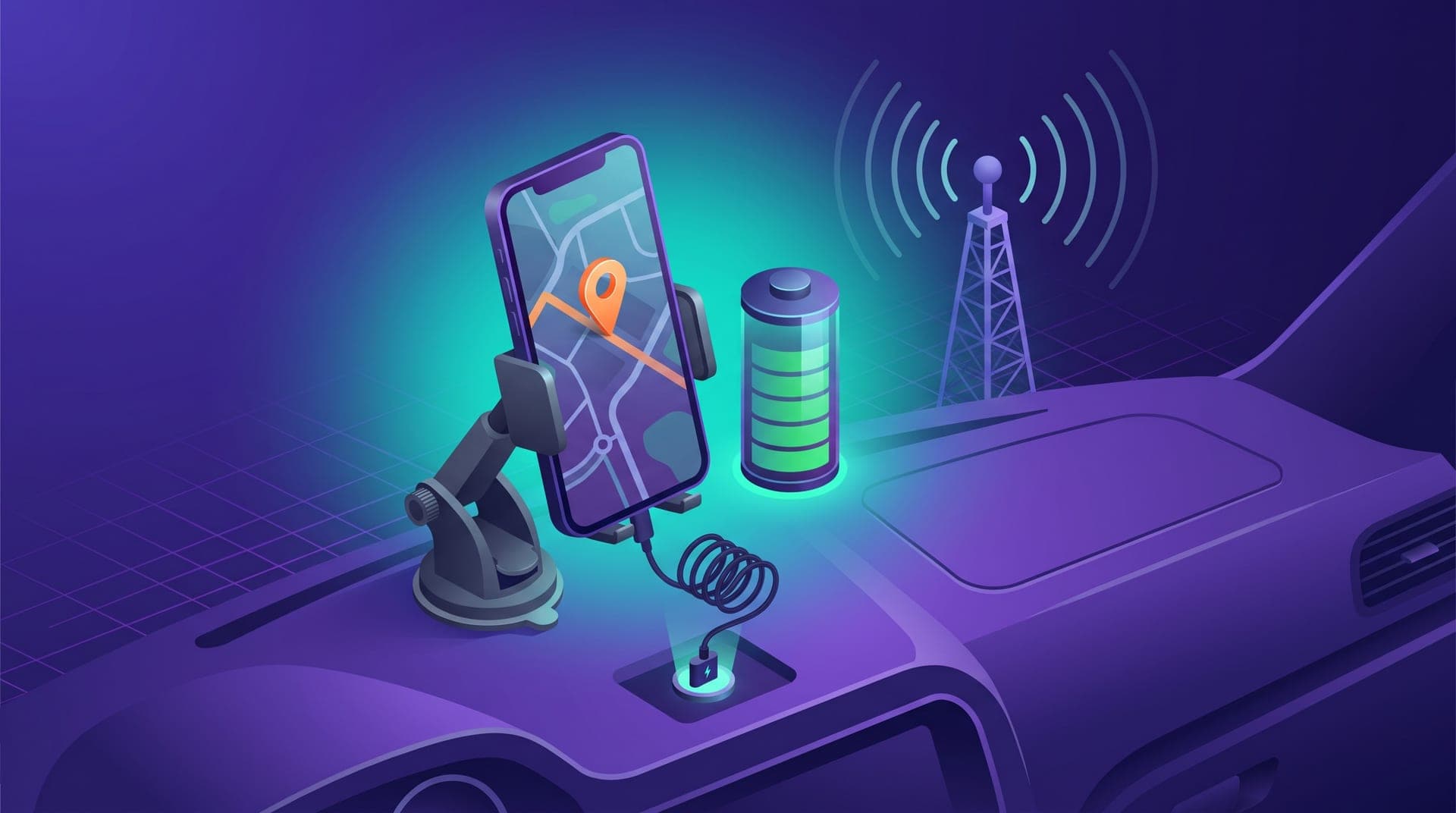
An eight or ten-hour shift with GPS on, screen active and mobile data drains any battery. That's why a car charger isn't a luxury: it's a work tool just like the spare tyre. A phone that switches off mid-trip leaves the passenger without tracking and the driver with no way to close the trip.
The other battery problem is less visible. Many phones, especially some Android models, have power-saving modes that close apps in the background or limit their access to location to last longer. The driver doesn't notice until they stop receiving trips. The solution is usually to exclude the driver app from battery saving in the phone's settings, a step worth explaining when signing up each driver.
It's also worth looking after the phone mount on the dashboard. A phone travelling on the seat or in a pocket loses GPS signal more easily, heats up and forces the driver to get distracted looking at it. A firm mount near the windscreen and out of direct sunlight improves location, battery and safety while driving.
Location permissions and app version
To work properly, the driver app needs permission to use location even when it isn't in the foreground. If the driver granted it only "while using the app", as soon as they open WhatsApp or another app's map their location stops updating. For the passenger, the car freezes; for the system, the driver disappears. It's one of the most common problems and also one of the easiest to fix.
The app version matters too. Updates fix bugs and improve battery use, and are sometimes needed for new service changes to work. A driver who hasn't updated in months may have problems the rest of the fleet no longer has. It's worth reminding the fleet, through the usual channel, whenever there's a new version, and asking them to keep automatic updates on.
We had drivers complaining that trips had stopped arriving. When we checked their phones, almost all had the app on battery saving or the location permission only while in use. We did a quick check with each of them at the rank and the complaints dropped enormously that same week.
What to do when it fails in the street
Even with everything prevented, the app sometimes fails mid-trip. What matters is that the driver knows what to do without improvising. The first rule is to tell the passenger: a call or a short message saying they have a phone problem and are on their way stops the passenger from cancelling or worrying about safety. The second is to tell the dispatch centre, which can see the trip from the dashboard and help resolve it.
If the app closed, reopening it is almost always enough: the trip in progress usually recovers. If the problem is signal, it's best to move a few metres to a place with better coverage before trying again. And if the phone switched off, the driver should charge it as soon as possible and confirm with the dispatch centre how to close the trip and how it's charged, so neither they nor the passenger lose out.
When a problem keeps repeating with the same driver, it's worth checking their phone calmly. Sometimes the device is simply too old to work a whole shift with GPS and data, and the solution is a simple but more recent phone. Helping the driver get one usually costs less than the trips lost every week.
After each incident like this, a short note to the dispatch centre with the time, the area and what happened helps detect whether the problem is the phone, the coverage on that street or something else.
When it really is a system problem
Checking the phone first doesn't mean the app never fails. If several drivers in different areas report the same thing at the same time, with different, properly configured phones, it probably isn't the phone. In those cases it's worth gathering the basic facts before reporting it: which drivers, at what time, what they were doing and what they saw on the screen. A report with that information gets solved much faster than an "the app doesn't work".
It also helps to keep a simple record of reported problems and how they were solved. With a few weeks of notes, the fleet knows which failures are configuration issues, which are coverage in certain areas and which deserve a technical report. And it can better prepare new drivers to avoid the most common ones from day one.
What to take away
Many failures that seem to be the app's are solved on the driver's phone: enough data, a charger in the car, location permission always on, the app excluded from battery saving and the version up to date. Checking those points with every new driver, and whenever someone changes phone, avoids lost trips, worried passengers and many arguments.
If your fleet runs on its own app, prepare a quick phone check at the rank this week and a sheet with the basic settings. It's one of the cheapest investments you can make in your service quality, and your drivers will notice it in the trips they stop losing.