A support ticket has two costs that rarely get analyzed together. The first is visible: the platform team's response time, which for most mobility software providers runs from hours to days depending on the plan. The second is invisible: the interruption to the operator's flow — they reached the support form because something stopped their work and they couldn't find the answer anywhere else. That second cost happens before the ticket exists, and it's the one a properly configured agent can eliminate.
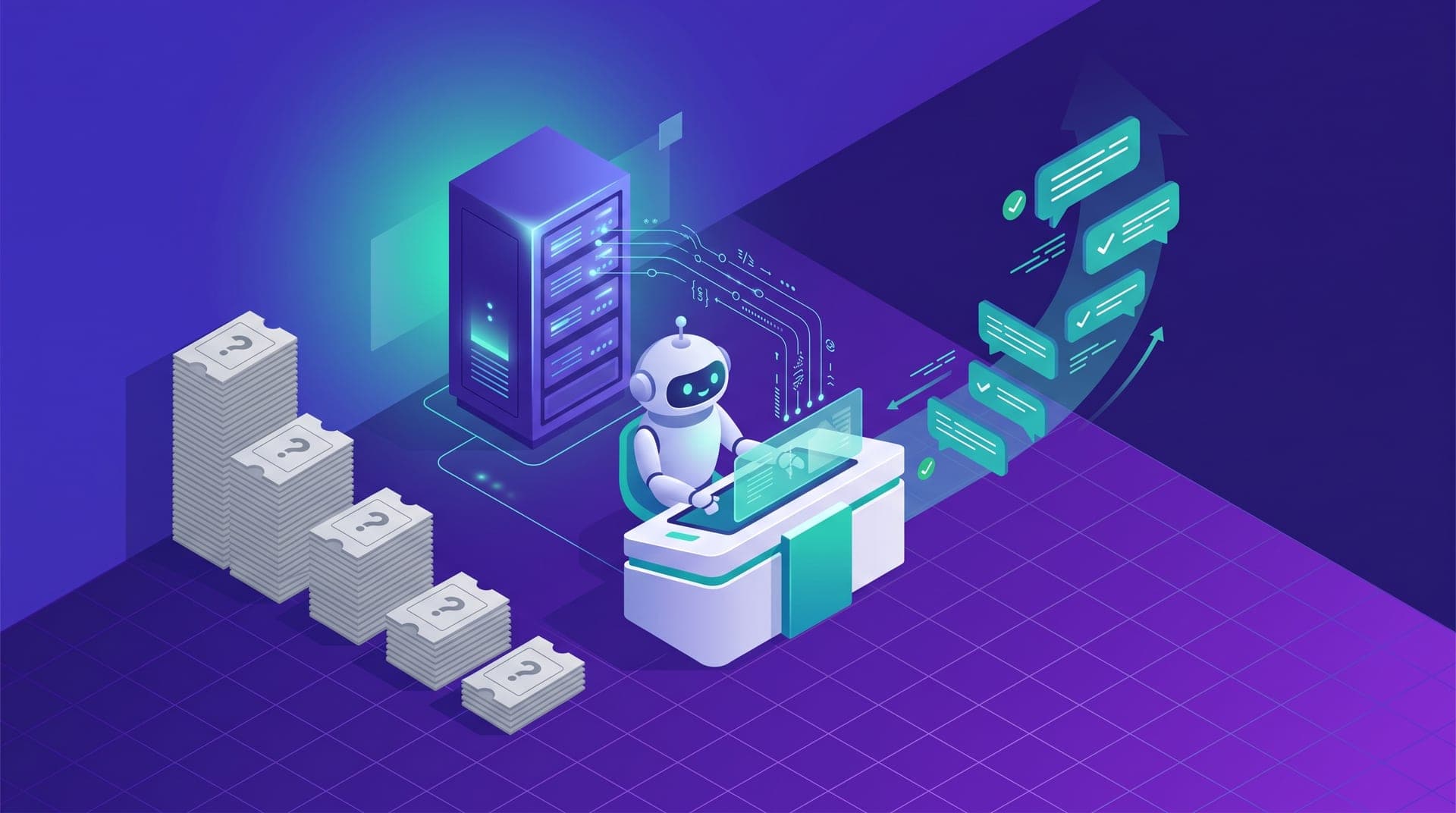
The thesis of this article is that Cabgo's skill, installed with the right context in the system instructions, acts as first-line support for most operational queries that would otherwise become tickets. Not because it replaces the platform team — there are problem categories where escalating is the only right answer — but because 60–70% of tickets that reach support are questions about operation state, unexpected function behavior, or metric interpretation: exactly the kind of question the agent can answer with an MCP server call in under a minute. This article is for operators who already have the agent running and want to make that chat the first place they look, not the last.
Why most support tickets are questions the agent can already answer
Support tickets from regional ride-hailing operations cluster into a surprisingly small number of categories. In operations between 50 and 200 drivers, 60–70% fall into three types: questions about the status of a specific driver or trip, questions about unexpected behavior from a familiar feature, and interpretation of metrics that changed in a way the operator didn't expect. All three share one thing: the MCP server has the data to answer them at the moment they're asked.
An operator who files a ticket because a driver shows as inactive after completing a trip is making the exact same query the agent would run if they wrote «why does driver X show inactive since 2:30 PM if they completed a trip at 2:25?». The agent queries the session log, identifies whether there's a sync error, an app logout, or a GPS disconnect, and returns the diagnosis in under a minute. The ticket takes hours. The gap isn't in available information — it's in the query habit.
The gap between having the agent installed and using it as your first resource
Most operators who have Cabgo's skill installed use it for the queries they anticipated when setting it up: the shift summary, the inactive driver list, the day's cash balance. Those are saved prompts, predictable, built at leisure. The problem is that support tickets aren't predictable — they're questions that surface mid-shift when something unexpected happens under time pressure. For those questions, the operator's reflex is still the support form, not the agent chat.
That reflex has a logical origin: before the agent, the support channel was genuinely the only place those answers existed. The agent has them now, but the operator hasn't updated their mental map of «where I look for this». Changing that map doesn't require a technical reconfiguration; it requires two concrete habit adjustments: building a generic diagnostic prompt in the library — something the operator can use when something unexpected happens without knowing exactly what to look for — and preloading operation context into the system instructions so any ad hoc question starts from the current platform state rather than rebuilding context from scratch every time.
The context that reduces support dependence
The context that most reduces escalation needs isn't the most technical — it's the most specific to the operator's own operation. System instructions that include normal availability ranges, peak and off-peak hours, and the operation's recurring patterns let the agent distinguish a real anomaly from an expected variation without the operator having to re-explain that context on every query. An agent that knows a zone consistently drops below 50% availability between 2 and 4 PM won't flag that as an incident — and the operator won't file a ticket to ask support whether that number is normal.
- **Normal operation thresholds**: the availability, cancellation rate, and average rating ranges that are normal for this specific operation, by time and zone — without that reference the agent treats any variation as a potential alert
- **Known recurring incidents**: if the operation has drivers who lose signal in a specific zone, or a feature that behaves differently on event days, that pattern in the instructions keeps each recurrence from being treated as a new case
- **Differentiated escalation criteria**: what conditions should prompt the agent to suggest escalating, with the right channel for each type — critical technical via urgent support, billing via the invoicing channel, feature requests via the roadmap channel
- **Previous resolution notes**: if the operator recorded how they last resolved a surge-not-responding issue, that note in context means the next response is the proven fix rather than a fresh diagnosis
The five query types that generate the most tickets and how the agent handles them
The five query types that most frequently generate tickets in regional operations are all answerable from MCP server data in under two minutes. Knowing them doesn't change the technical skill config — it changes the operator's habit about where to go first when each one comes up.
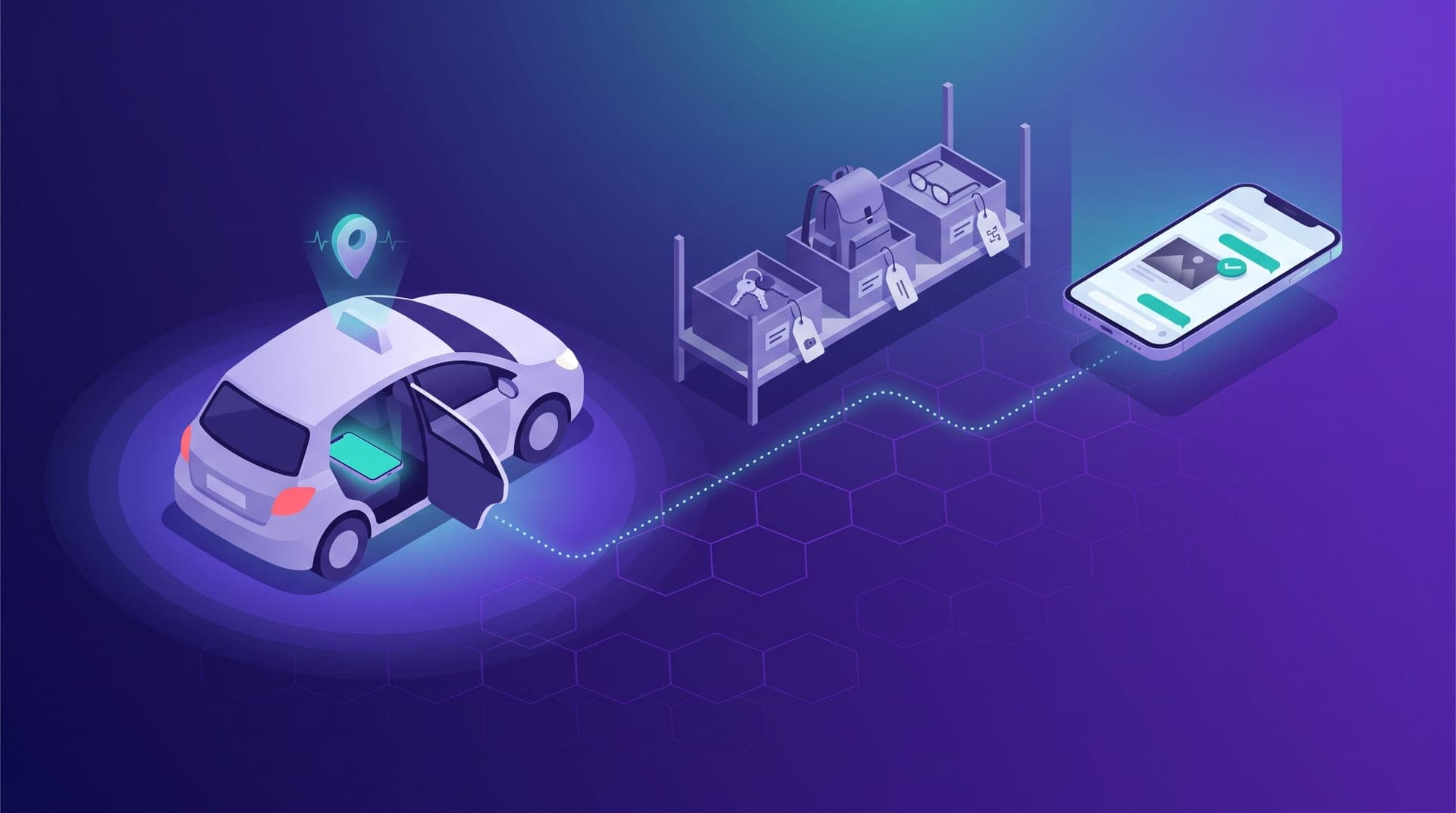
- **Unexpected driver status**: active when they should be offline, or the reverse. The agent queries session logs and last-shift GPS history to identify app disconnections, sync errors, or manual status changes that didn't propagate correctly
- **Out-of-range metric with no visible cause**: the operator sees a number they don't expect and can't tell if it's a bug or a real shift. The agent compares the current value against the last four weeks of history and determines whether the variation falls within normal fluctuation range or exceeds it
- **Fare or zone behavior**: a passenger reports being charged differently than expected. The agent traces the active fare config against the specific trip to identify whether a surge override, a special zone, or a recent parameter change caused the discrepancy
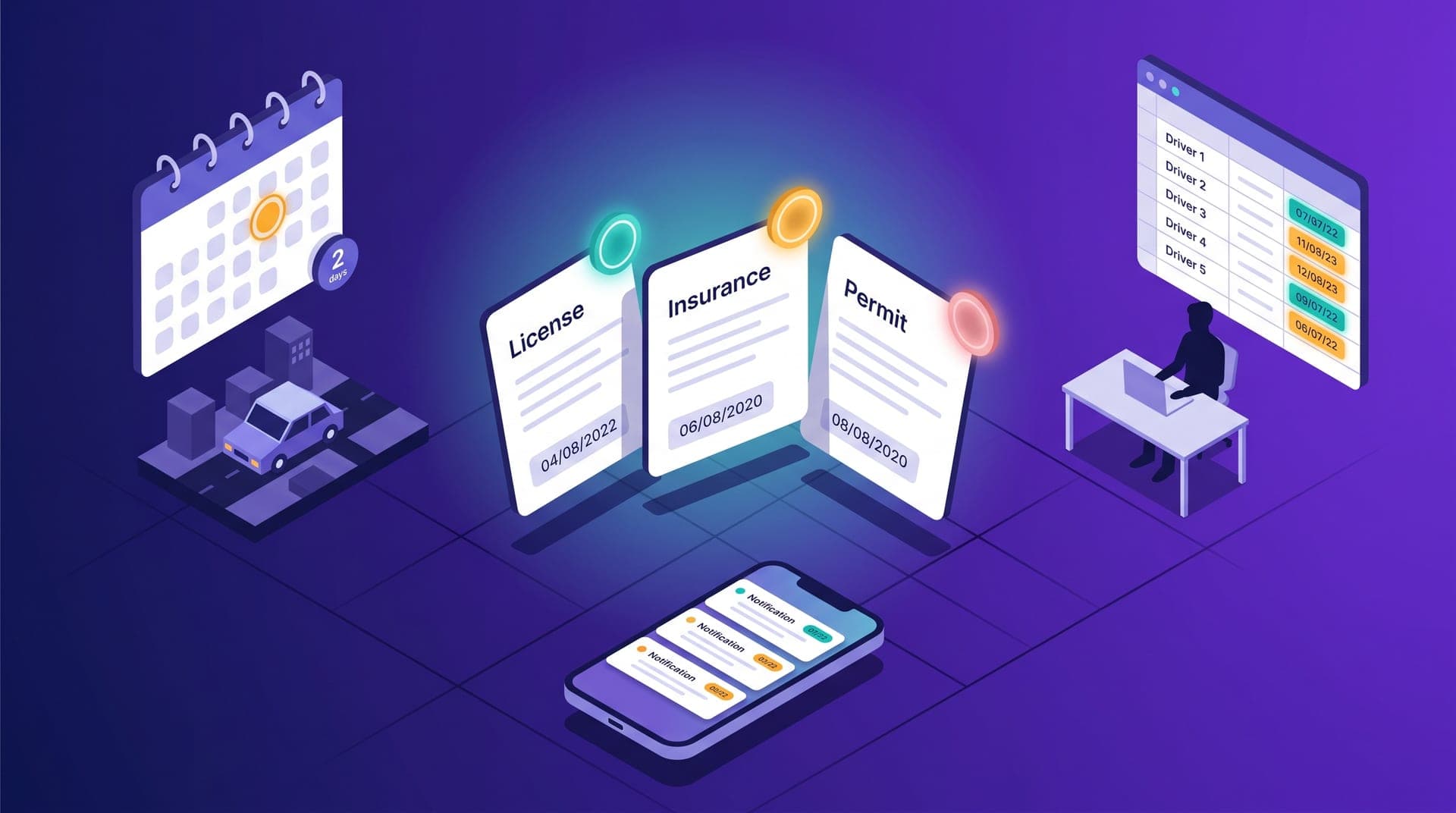
- **Driver receiving no requests in an active zone**: the driver reports no incoming trips despite demand in the area. The agent checks the driver profile — documents, rating, geographic restrictions — and zone state to find any active filter that may be excluding them
- **Active campaign underperforming**: the operator created a coupon and days passed with no movement. The agent checks the real eligible segment, redemptions to date, and budget consumed to determine whether the problem is reach, threshold, or communication
When it still makes sense to escalate directly to support
The logic of asking the agent first has clear limits. There are four problem categories where going directly to the platform team is still the right answer, regardless of what the agent might return: when system behavior changed without the operator changing anything, when there's a billing discrepancy, when the operator needs a feature delivery commitment, and when there's a security incident. In all four, the agent can describe what it observes — but it can't fix it.
- **Behavior that changes without a known cause**: if the system started acting differently after a platform update and the agent has no context about that change because it happened server-side, the query reproduces the symptom without explaining the cause — that's a platform bug, not an operator configuration issue
- **Billing and incorrect charges**: any discrepancy between what the operator expected to be charged and what was actually charged requires access to internal billing records the agent doesn't have available through the MCP
- **Roadmap commitments**: the agent can describe what the current system does; it cannot commit to when or whether a new feature will exist — any such promise needs to be validated by someone on the product team
- **Security incidents**: unauthorized access, configuration changes the operator didn't make, or MCP history activity that doesn't match any team member — these escalate directly without agent diagnostics first
How to measure whether the agent is actually replacing support
The most direct indicator is tickets per month before versus after regular agent use — but that number is rarely available cleanly because operators don't track their pre-agent ticket volume. A more accessible proxy lives in the `cabgo_my_mcp_usage` history: in a week where something unusual happened, if the log shows four or five diagnostic server calls before the operator filed a ticket — or instead of filing one — that's direct evidence the agent absorbed the query. If the log shows zero diagnostic activity that week and there are open tickets, the agent is installed but isn't being used as a first resource.
The target metric isn't zero tickets. That would mean the agent is also absorbing real platform issues that genuinely need escalation. The right signal is that the proportion of tickets that are operational status questions drops over time, while the ones that remain are real incidents: bugs, billing discrepancies, feature requests. In an operation where the agent is well configured and the operator uses it as first line, that proportion shift should be visible within 3 to 6 months of consistent use. There's no perfect metric for this, but operators who review their `cabgo_my_mcp_usage` log weekly can see the curve: weeks where diagnostic calls preceded tickets are weeks where the agent is working as a filter.
The first few weeks I was filing three or four tickets a week — most were questions about specific drivers or why something was acting differently. At some point I started asking the agent first, almost by accident, and it turned out it answered about 80% of those questions on the first message. Now I open maybe one ticket a month, and it's almost always something that genuinely needs someone at the platform to look at.
An agent with the right context doesn't compete with the platform support channel — it divides the workload. Operational queries, frequent and answerable from server data, go to the chat. Incidents that require someone with internal infrastructure access to act go to support. That division benefits the operator because everyday questions get answered in seconds. It benefits the platform because support team time concentrates on cases that genuinely require human response.
If you're going to make one adjustment this week to reduce your reliance on the support channel, it's not in the technical skill config: it's in your system instructions. Add your normal operation thresholds, the pattern of recurring issues you've already solved, and the criteria for when to still escalate. With that fixed context in place, the next time something unexpected happens mid-shift, your first query goes to the chat — and the answer you find there will be grounded in your specific operation, not a generic response written for any operator in any market.